Simple 4-step process
How ArticleFM Works
Share an article, get notified when it's ready, press play. ArticleFM is an iPhone app.
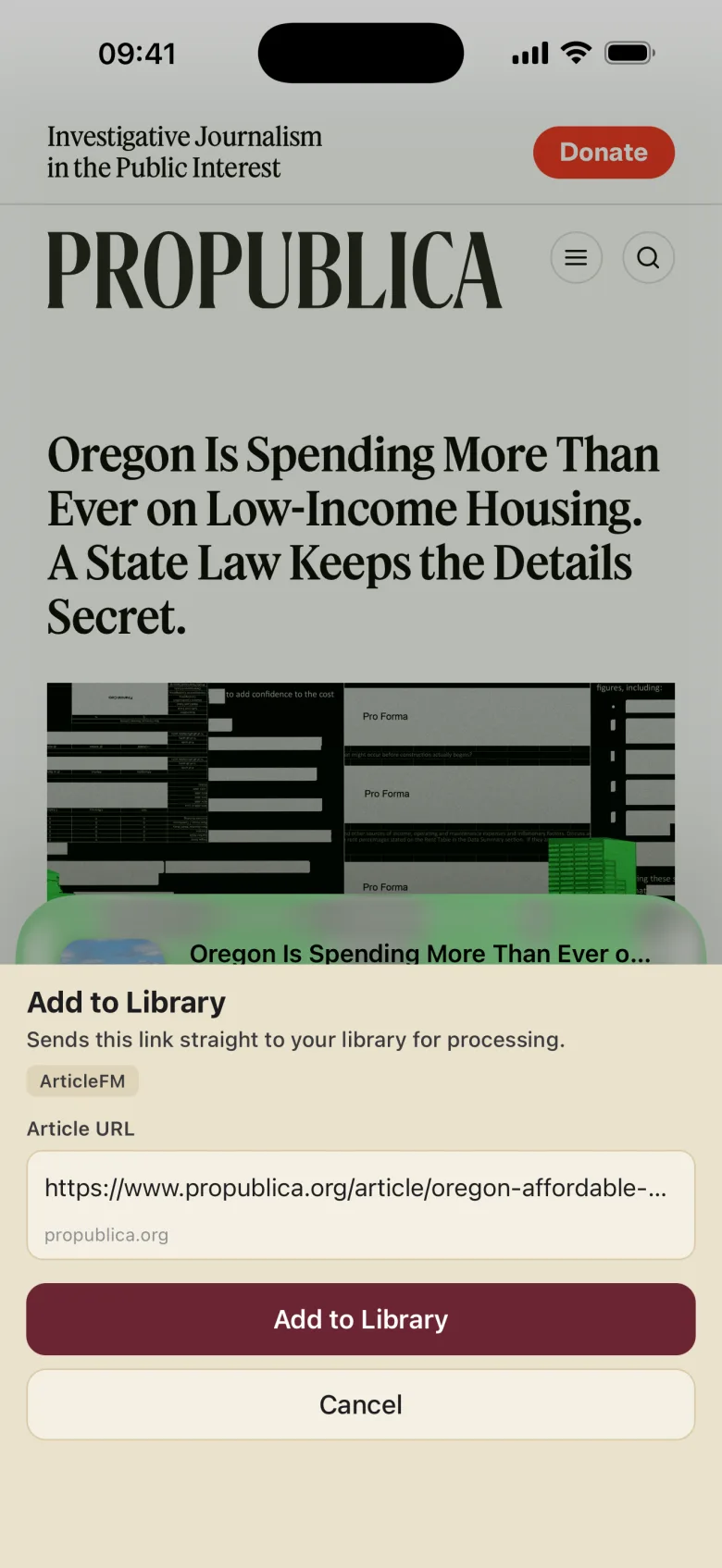
Send it to ArticleFM
Share an article straight from Safari, or paste a URL in the app.
- The Share Extension works from Safari or any app with a share sheet
- Works with news sites, blogs, newsletters, and long-form essays
- Try built-in sample articles without an account
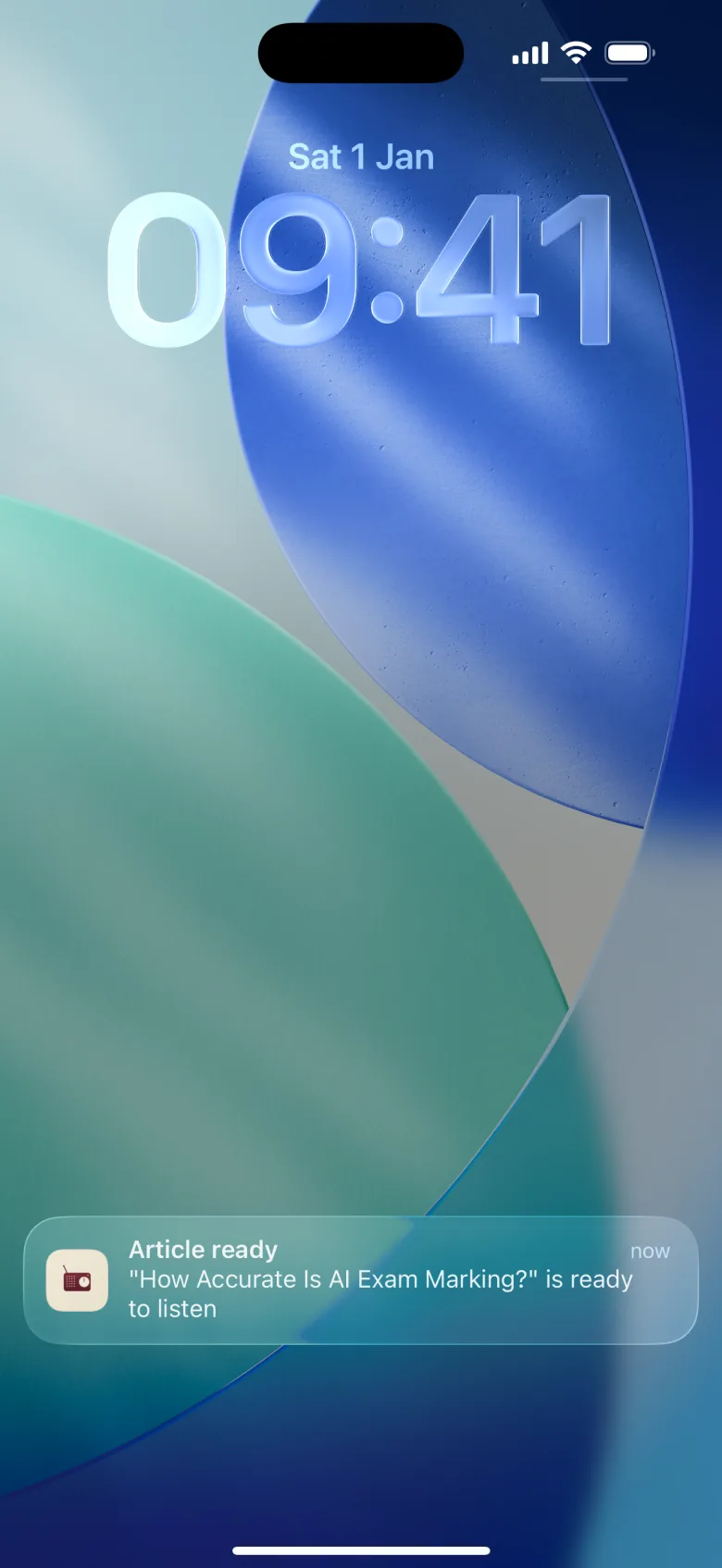
Get notified when it's ready
Conversion runs in the background, so there is no need to wait around with the app open.
- Keep browsing while your article converts
- A notification arrives the moment it's ready to listen
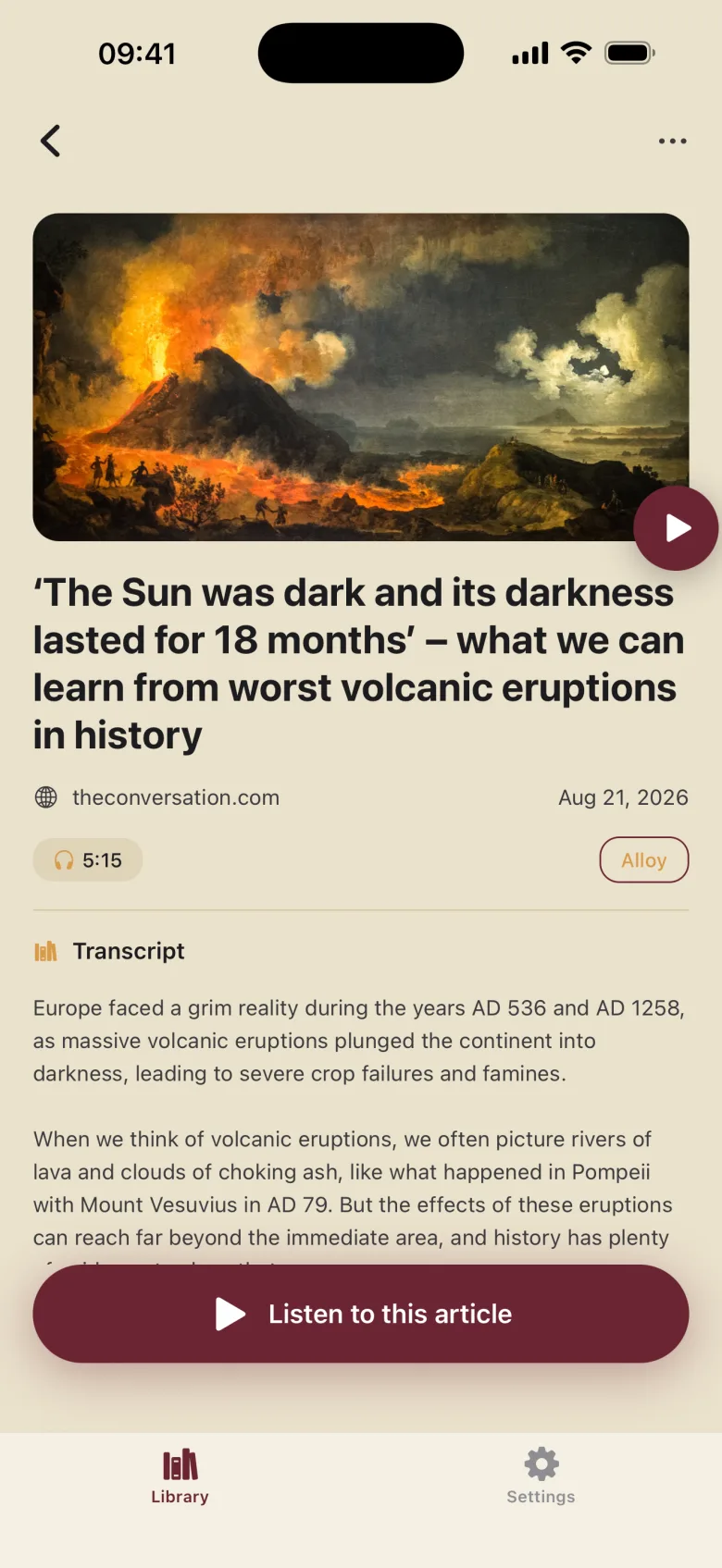
Open your article
Every conversion lands in your library with artwork, source, duration, and the full transcript.
- Narrated by your pick of every AI voice in the catalog
- Read the transcript before or while you listen
- Save articles for offline listening
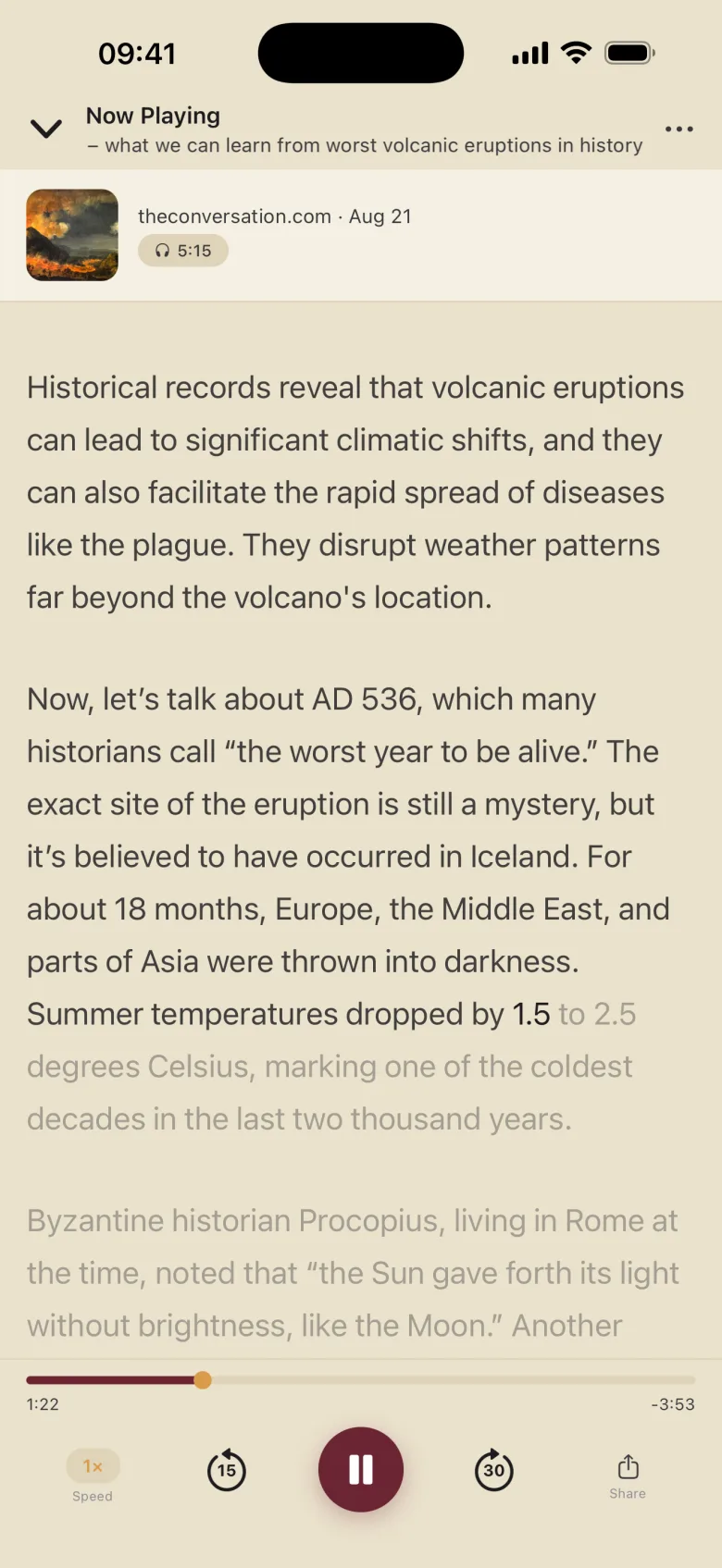
Listen anywhere
Stream it live or save it for later. Adjust the speed, skip back and forward, and follow along as the transcript scrolls in sync.
- Background audio playback on iOS that keeps going with the screen locked
- Speed from 0.75× to 2×, changeable during playback
- Live-synced transcript scrolling
Ready to try it?
ArticleFM is an iPhone app. The first 2 articles you convert are free.